
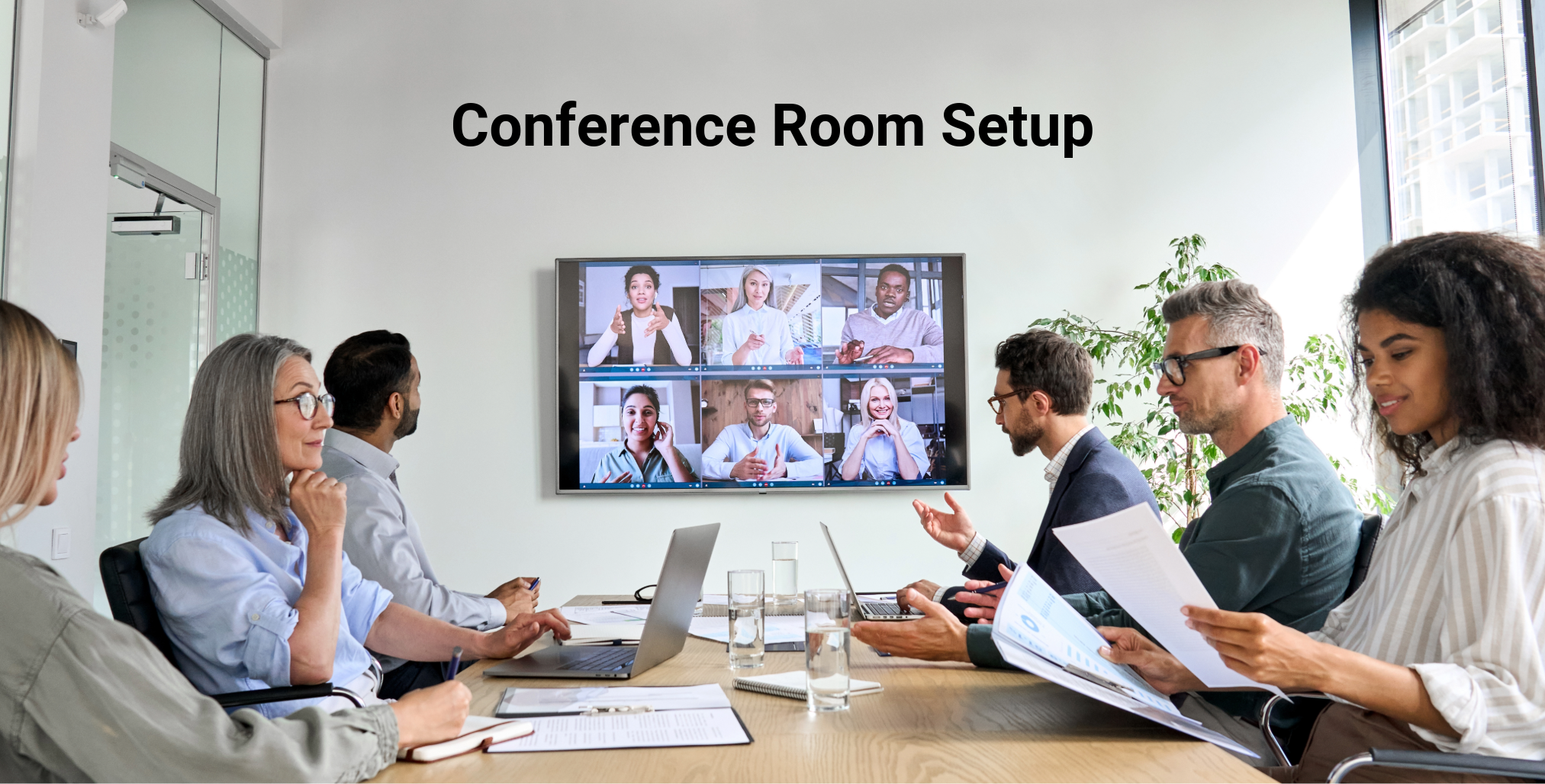
How to Build a Reliable Conference Room for Depositions and Hybrid Hearings
Today’s law firm conference room is more than just a place to meet with clients. It’s where attorneys conduct hybrid depositions, attend virtual hearings, prepare for trial, collaborate with co-counsel, and present evidence. If the technology fails, the meeting and your firm’s credibility can suffer.
Building a dependable conference room doesn’t require the most expensive equipment. It requires thoughtful planning, quality components, and an IT partner who understands how litigation firms use technology every day.
Whether you’re renovating your office or building a new conference room, this guide will help you create a space that is reliable, professional, and ready for every client meeting, deposition, or hearing.
Step 1: Start with the Room Itself
The best conference room technology can’t overcome a poor room design.
Before selecting equipment, consider:
- Room size
- Seating capacity
- Natural lighting
- Ceiling height
- Acoustics
- Power outlet locations
- Network connectivity
Glass walls, high ceilings, and hard flooring can create echoes that make remote participants struggle to hear the witness or opposing counsel. Simple acoustic treatments and thoughtful furniture placement can dramatically improve meeting quality.
Step 2: Install Business-Class Internet and Networking
Every hybrid meeting depends on a stable network.
Your conference room should have:
- Business-grade fiber internet
- Enterprise Wi-Fi
- Wired network connections for room equipment
- Business firewall
- Network redundancy when possible
- Quality of Service (QoS) configured to prioritize voice and video traffic
A slow or unreliable network can cause frozen video, dropped calls, and poor audio quality at the worst possible moment.
Step 3: Choose Professional Video Conferencing Equipment
A laptop webcam may work for casual meetings, but legal proceedings deserve equipment designed for professional communication.
Look for:
- High-definition conference cameras
- Wide-angle lenses
- Auto-framing features
- Optical zoom
- High-quality microphones
- Noise reduction technology
- Professional speakers
The goal is to ensure everyone, both in the room and joining remotely, can clearly see and hear the discussion.
Step 4: Build a Presentation-Ready Environment
Litigation often involves reviewing documents, photographs, timelines, videos, and other evidence.
Your conference room should include:
- Large-format 4K display
- Wireless presentation capability
- HDMI and USB-C connections
- Multiple display inputs
- Easy screen sharing
- Annotation capabilities when appropriate
Attorneys should be able to connect their devices in seconds without searching for adapters or troubleshooting cables.
Step 5: Optimize Audio for Depositions and Hearings
Poor audio causes more meeting frustration than poor video.
Invest in:
- Ceiling or tabletop microphones
- Echo cancellation
- Noise suppression
- Quality speakers
- Proper microphone placement
Every participant should be heard clearly, whether they are seated at the conference table or joining remotely.
Step 6: Standardize the Technology
One common mistake is giving every conference room a different setup.
Standardize:
- Cameras
- Microphones
- Displays
- Remote controls
- Cables
- Meeting software
- Connection methods
Consistency reduces training time and makes troubleshooting much easier.
Step 7: Test Before Every Important Meeting
Technology should never be used for the first time during a deposition or client presentation.
Before every major meeting:
✔ Test the camera
✔ Test microphones
✔ Verify speaker volume
✔ Confirm internet connectivity
✔ Open Microsoft Teams or Zoom
✔ Share your screen
✔ Test presentation software
✔ Verify wireless presentation
✔ Confirm display resolution
A five-minute technology check can prevent a much larger interruption later.
Step 8: Keep Security in Mind
Conference rooms often display confidential client information.
Protect your meetings by:
- Requiring authenticated meeting access
- Using secure Wi-Fi
- Encrypting wireless traffic
- Locking room computers when not in use
- Applying software updates regularly
- Limiting administrative access to room equipment
Security should be built into the room, not added after an incident.
Step 9: Plan for Ongoing Maintenance
Conference room technology requires regular attention.
Your IT provider should:
- Install firmware updates
- Replace worn cables
- Test cameras and microphones
- Verify display performance
- Monitor room PCs
- Resolve issues before important meetings
Preventive maintenance keeps your technology dependable and extends the life of your equipment.
Conference Room Technology Checklist
Use this checklist when planning or evaluating your conference room:
Infrastructure
✔ Business-class internet
✔ Enterprise Wi-Fi
✔ Wired network connections
✔ Firewall protection
Video
✔ 4K conference camera
✔ Wide-angle view
✔ Auto-framing
Audio
✔ Professional microphones
✔ Echo cancellation
✔ Quality speakers
Presentation
✔ Large-format display
✔ Wireless screen sharing
✔ HDMI and USB-C connections
Security
✔ Secure meeting access
✔ Software updates
✔ Encrypted Wi-Fi
Maintenance
✔ Equipment monitoring
✔ Preventive testing
✔ Scheduled firmware updates
Why Litigation Firms Trust DataTex
Since 1975, DataTex has helped North Texas organizations build reliable technology environments that support business success.
We understand that conference room technology isn’t simply about connecting devices; it’s about helping attorneys communicate effectively, present evidence confidently, and represent their clients professionally.
Final Thoughts
Your conference room is one of the most visible pieces of technology in your firm. Clients, opposing counsel, expert witnesses, and remote participants all experience your professionalism through the quality and reliability of that space.
By investing in dependable networking, professional audio and video equipment, strong cybersecurity, and ongoing maintenance, your law firm can avoid technology distractions and keep the focus where it belongs, on serving your clients.
If you’re planning a new conference room or upgrading an existing one, DataTex can help you design, install, and support a solution tailored to the way litigation firms work every day.
Call 972-224-0999 or schedule a Discovery Call to go over any questions you may have.

