
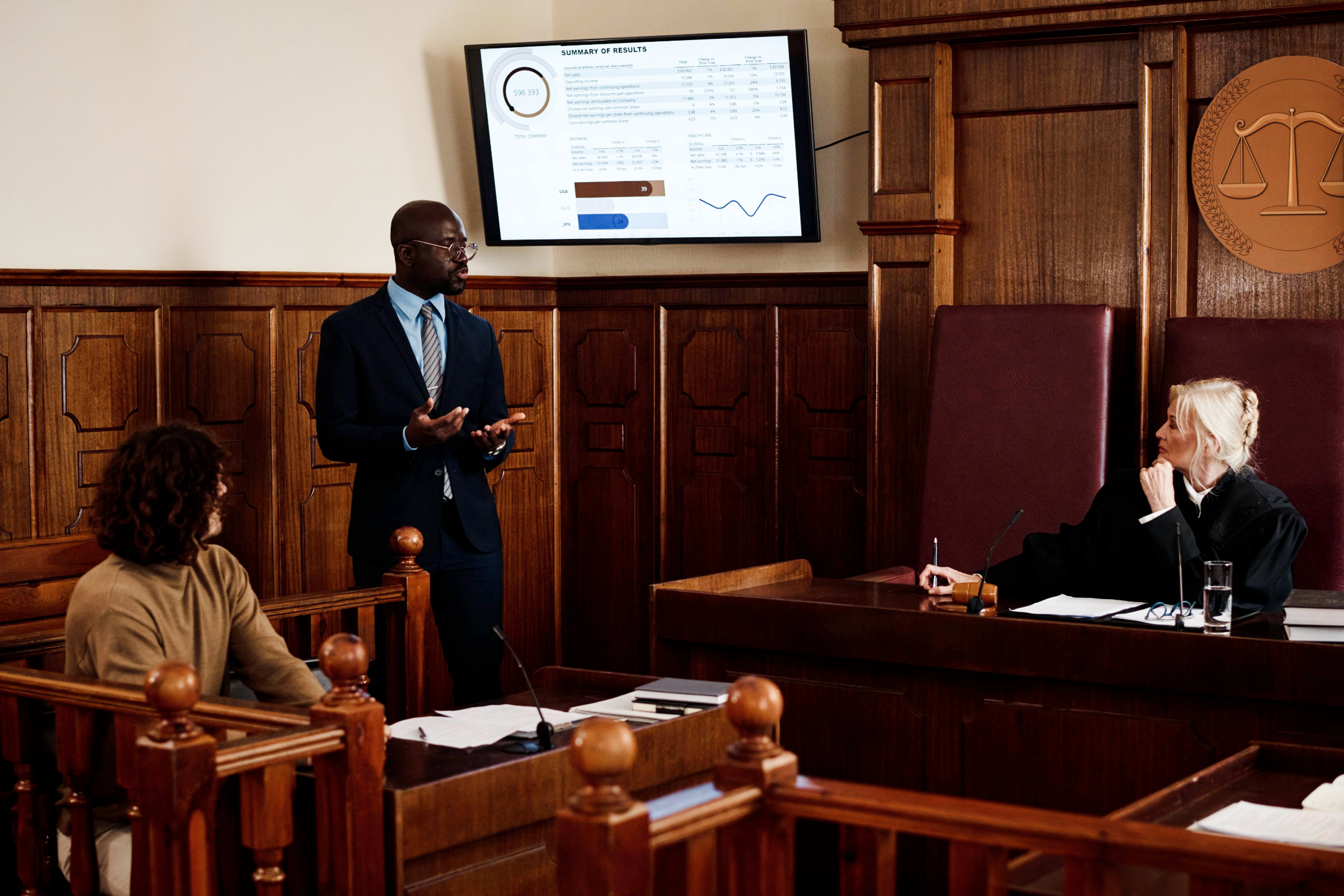
For litigation law firms, technology isn't just a convenience; it can directly impact trial preparation, client service, and attorney productivity. A single technology failure during a deposition, mediation, or trial presentation can delay proceedings, frustrate clients, and create unnecessary stress for your legal team.
The good news is that most technology issues are preventable with proper planning. Law firms that work with an IT provider experienced in litigation support can reduce downtime, improve reliability, and ensure their technology performs when it matters most.
This guide breaks down the IT support every litigation law firm should have before, during, and after trial.
Before Trial: Preparation is Everything
The days leading up to trial are often the busiest for attorneys and legal staff. Edited deposition excerpts. Documents are being finalized, exhibits are prepared, presentations are reviewed, and every minute counts.
Verify All Trial Technology
Every device should be tested well in advance, including:
- Laptops
- Presentation computers
- Courtroom displays
- Projectors
- Large conference room TVs
- Wireless presentation devices
- Document cameras such as ELMO
- Audio systems
Finding a faulty cable or failed adapter five minutes into your expert witness's testimony in court can interrupt the entire flow and disengage the jurors.
Test Trial Presentation Software
Many litigation firms rely on specialized trial presentation software, for example, TrialDirector, to organize evidence and present exhibits.
Before trial, your IT team should verify:
- Software updates
- License activation
- Database accessibility
- Exhibit loading
- Video playback
- PDF rendering
- Remote access functionality
Technology should never become a distraction in the courtroom.
Confirm Cloud and File Access
Attorneys often need access to thousands of documents from multiple locations.
Your IT provider should verify:
- Microsoft 365 access
- Clio connectivity
- Document management systems
- VPN connections
- Secure file sharing
- Internet redundancy
Every attorney should know they can quickly retrieve critical case files.
Strengthen Cybersecurity
Law firms remain frequent targets for cybercriminals because they handle confidential legal information.
Before trial, verify:
- Multi-factor authentication
- Endpoint Detection & Response (EDR)
- Email filtering
- Backup verification
- Security monitoring
- Password policies
The last thing any firm needs is a ransomware attack during trial preparation.
During Trial: Immediate Response Matters
Once trial begins, speed becomes everything.
Attorneys cannot wait several hours for a return phone call when technology fails.
Experienced legal IT providers understand that trial support is often an emergency.
Live Help Desk Support
When technology problems arise, your staff should reach a live technician or a trial technician. Not an answering service or voicemail.
Quick troubleshooting can often resolve issues in minutes rather than hours.
Rapid Remote Support
IT Technicians can fix many technology problems remotely.
Examples include:
- Printer issues
- Microsoft 365 login problems
- Email synchronization
- Software configuration
- Password resets
- Network troubleshooting
Fast remote response minimizes interruptions to attorneys and support staff.
Conference Technology and Deposition Support
Conferencing witnesses from other locations through secure channels is a must.
Your IT provider should be comfortable supporting:
- Zoom hearings
- Microsoft Teams meetings
- Hybrid depositions
- Video Conferencing equipment
- Wireless screen sharing
- Audio systems
- Large display technology
Reliable conference technology helps attorneys focus on the case - not the equipment.
Vendor Coordination
Sometimes the issue isn't your network.
Your IT partner should coordinate directly with:
- Internet providers
- Legal software vendors
- Telephone providers
- Copier companies
- Security vendors
Instead of making attorneys spend valuable time calling multiple vendors, your MSP should manage those conversations.
After Trial: Recovery and Planning
Once the trial concludes, technology work isn't finished.
Post-trial review helps prepare your firm for future success.
Archive Case Files
Securing case files according to your firm's retention policies.
This may include:
- Cloud storage
- Secure backups
- Archived email
- Digital exhibits
- Video recordings
Proper archiving also simplifies future discovery requests.
Review Technology Performance
Every trial provides an opportunity to improve.
Ask questions such as:
- Did conference room equipment perform well?
- Were attorneys able to access documents quickly?
- Did remote meetings run smoothly?
- Were any technology failures avoidable?
Continuous improvement reduces future risk.
Update Hardware Plans
Trials often expose aging equipment.
Replace:
- Older laptops
- Slow workstations
- Aging Wi-Fi hardware
- Outdated conference room equipment
- Failing storage devices
Technology should never become the weakest link during litigation.
A Trial Technology Checklist
Before every major case, verify:
✔ Trial presentation software tested
✔ Conference room equipment verified
✔ Internet connectivity confirmed
✔ Microsoft 365 operational
✔ Clio accessible
✔ Backup systems tested
✔ Security monitoring active
✔ Attorneys equipped with updated laptops
✔ Remote access verified
✔ Live IT support available
A simple checklist can prevent expensive interruptions.
Real-World Example
When technology fails in a courtroom, there is no room for lengthy support queues or delayed responses. During a court proceeding, an attorney found himself facing every litigator's nightmare. Just before presenting, his laptop suddenly stopped responding. The laptop contained all of his case files and presentation materials and was trapped in the "spinning wheel of death." After requesting a brief recess from the judge. Unable to reach his Tech staff, the attorney placed an urgent call to our Vice President. The phone was answered immediately. Understanding the urgency of the situation, he quickly walked the attorney through a recovery process and restored the system within minutes without further interruption.
For law firms, technology failures can occur at the most critical moments. Having a trusted technology partner who responds immediately can mean the difference between a costly delay and business as usual.
Why Litigation Firms Choose Datatex
Not every managed IT provider understands the demands of litigation.
At DataTex, we've supported North Texas businesses since 1975 and have extensive experience working with litigation law firms.
Our team understands:
- Clio and legal software
- Trial presentation technology
- Conference room AV systems
- Hybrid meetings and depositions
- Microsoft 365
- Cybersecurity best practices
- Fast-response support
- Live technicians who answer the phone
We understand that attorneys don't simply need computers that work - they need technology that performs under pressure.
Final Thoughts
The best time to prepare for trial technology is before anyone enters the courtroom.
Reliable IT support means more than fixing computers. It means helping attorneys access documents quickly, communicate effectively, protect confidential information, and present their case without unnecessary technology distractions.
If your current IT provider doesn't understand the unique demands of litigation, or if your internal IT department needs an extra set of hands to manage the growing staff and technology demands, it may be worth discussing some options with a call. Discovery meeting scheduled here or call 972-224-0999.

Josh Conley, Vice President
Josh Conley is the Vice President of Datatex Computer Services, a family-owned Managed IT Services provider serving North Texas since 1975. He helps businesses leverage technology through proactive IT support, cybersecurity, cloud solutions, and strategic planning. Josh is passionate about building lasting client relationships by providing responsive service, practical solutions, and straightforward guidance. His hands-on leadership continues Datatex's tradition of helping organizations stay secure, productive, and prepared for the future.

